Getting Bluetooth set up in your Jeep Wrangler can make every drive smoother. You can listen to music, answer calls hands-free, and use apps safely. If you’re new to Bluetooth or just bought your Jeep, connecting your phone might feel tricky. This guide breaks down every step, shares common mistakes, and gives real examples. By the end, your Wrangler will be ready for wireless convenience.
Understanding Your Jeep Wrangler’s Bluetooth System
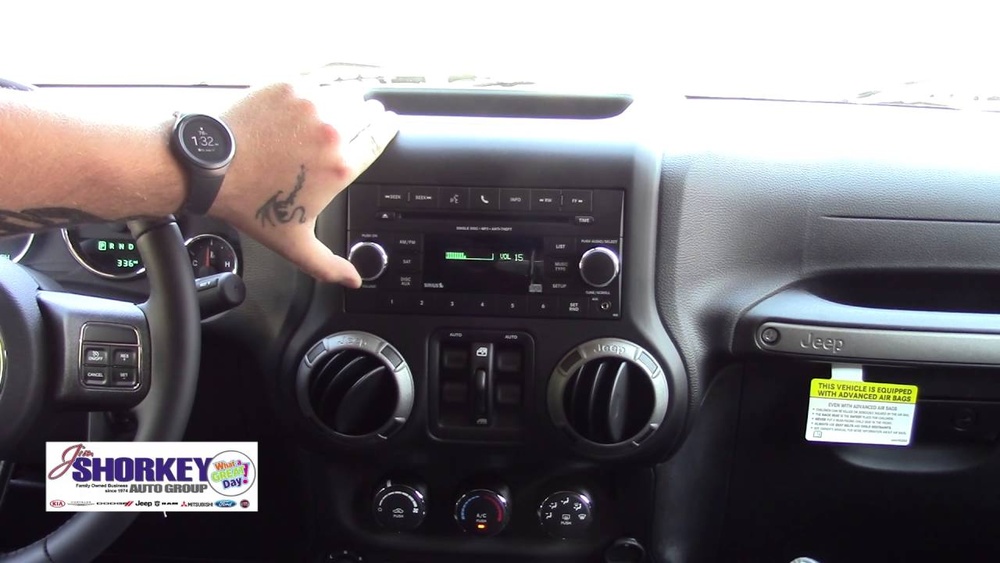
Most Jeep Wranglers from 2011 onward come with a Uconnect system. This system is the brain behind Bluetooth, voice commands, navigation, and more. Some older models may have simpler radios that require extra hardware.
Here’s a quick comparison of Jeep Wrangler Bluetooth setups by year:
| Model Year | Bluetooth Included? | System Name |
|---|---|---|
| 2011-2017 | Optional/Standard | Uconnect 130/430 |
| 2018-2024 | Standard | Uconnect 4/4C/4C NAV |
Non-obvious tip: Not all Uconnect radios support Bluetooth calling and audio. Check your owner’s manual or look for a phone icon on the radio.
Step-by-step: How To Set Up Bluetooth In A Jeep Wrangler
1. Prepare Your Devices
- Make sure your phone’s Bluetooth is turned on.
- Check that your Jeep is in Park with the engine running.
- Remove other paired devices if you’ve tried before and had issues.
- Tap the Phone button on your Jeep’s touchscreen or dashboard.
- If no phone is paired, the system will prompt: “Would you like to pair a phone?”
- Select Yes to begin the pairing process.
3. Start Pairing On Your Phone
- On your phone, go to Settings > Bluetooth.
- Look for a device named “Uconnect” or “Jeep”.
- Tap this device name to begin connecting.
4. Enter The Passkey
- The Jeep screen will show a 4-digit PIN.
- When your phone asks, enter this PIN.
- If the PIN matches, your phone will connect.
5. Confirm Connection And Sync Contacts
- The Jeep screen should say “Pairing Successful”.
- Your phone may ask permission to share contacts and messages. Allow access for hands-free calling.
- Test the connection by making a call or playing music.
Here’s a quick table comparing the pairing process for different phone types:
| Phone Type | Pairing Steps | Possible Issues |
|---|---|---|
| iPhone | Settings > Bluetooth > Select Jeep | Contacts may not sync automatically |
| Android | Settings > Connected devices > Bluetooth > Select Jeep | May need location permission for full sync |
Experienced tip: If you see your Jeep on your phone but can’t connect, restart both devices before trying again.

Troubleshooting Common Bluetooth Problems
Bluetooth is simple, but little issues can block your connection. Here’s what to do:
My Phone Won’t Connect
- Delete all old paired devices from the Jeep radio.
- Restart your phone and Uconnect system.
- Make sure your phone’s software is up to date.
Audio Doesn’t Play
- After pairing, select Bluetooth Audio from the radio source menu.
- Turn up the volume on both your phone and Jeep.
Calls Drop Or Won’t Sync
- Grant contacts access when your phone asks.
- Update Uconnect software if your Jeep is older.
Bluetooth Option Missing
- If you don’t see Bluetooth options, your radio may not support it.
- Check your radio’s model and consider an upgrade. Some Wranglers need a Bluetooth adapter.
Here’s a table showing the most common Bluetooth issues and solutions:
| Problem | Quick Fix |
|---|---|
| Cannot find Jeep on phone | Reset Bluetooth on both devices |
| Audio not playing | Select Bluetooth Audio as source |
| Call quality poor | Move phone closer to radio, update software |
Upgrades And Accessories For Better Bluetooth
If your Wrangler doesn’t have Bluetooth or you want better features, upgrades are possible:
- Add a Bluetooth adapter: Plug into the USB or AUX port for wireless music.
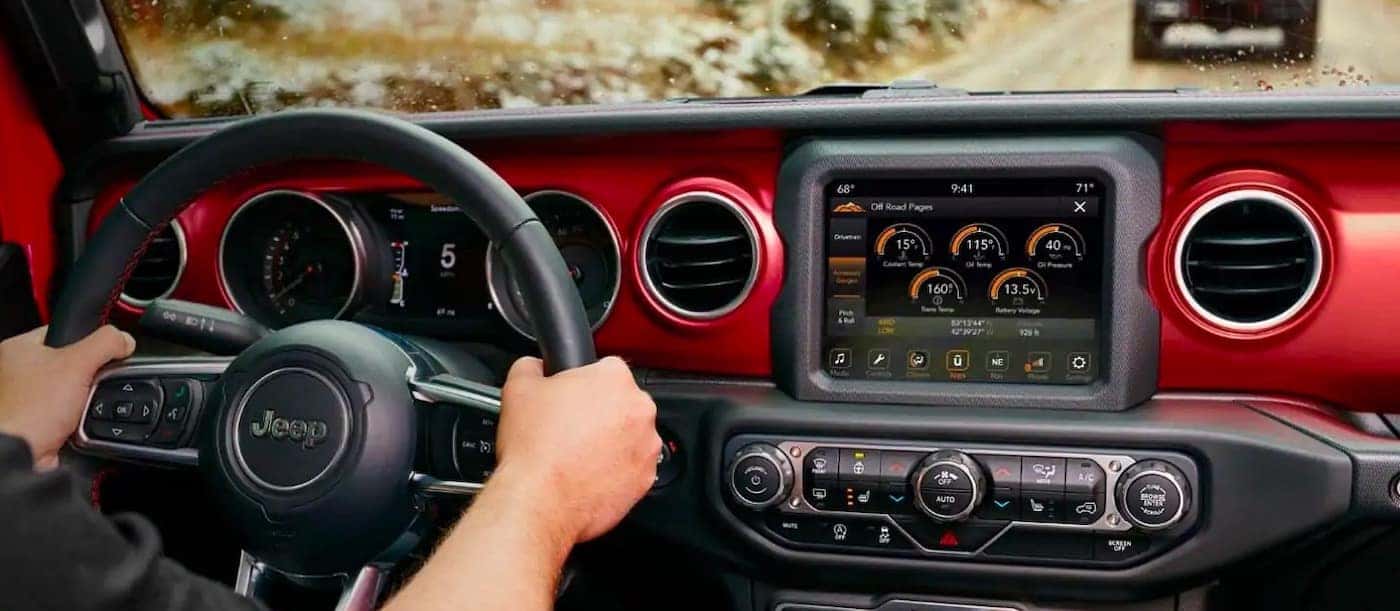
- Upgrade to Uconnect 4: Newer radios have better screens and voice control.
- Install aftermarket head units: Some brands offer more apps and stronger Bluetooth.
Non-obvious insight: Aftermarket radios can cost less than factory upgrades and often support Apple CarPlay and Android Auto.
For more on Jeep radio options, see the official Jeep Uconnect site.
Tips For Safe And Effective Bluetooth Use
- Keep your phone charged. Low battery can disrupt Bluetooth.
- Use voice commands for calls and navigation.
- Limit the number of paired devices; too many can slow connection.
- Update your phone and Jeep software every 6–12 months.
Frequently Asked Questions
How Many Devices Can I Pair With My Jeep Wrangler?
Most Jeep Wranglers let you pair up to eight devices. Only one can be active at a time.
Do I Need Wi-fi For Bluetooth To Work?
No. Bluetooth is wireless but doesn’t require Wi-Fi or mobile data.
Can I Play Music From Apps Like Spotify?
Yes, once paired, you can stream music, podcasts, and audiobooks from apps like Spotify, Apple Music, or Pandora.
What Should I Do If My Contacts Don’t Sync?
Make sure your phone gives contacts access during pairing. On iPhones, check under Settings > Bluetooth > Uconnect > Allow Contacts.
Is Bluetooth Available On All Jeep Wrangler Models?
No. Bluetooth is standard on most models after 2018. Older Wranglers may need an upgrade or adapter.
Setting up Bluetooth in your Jeep Wrangler isn’t hard once you know the steps. With the right system, a little patience, and these tips, you’ll enjoy wireless calls and music on every journey. If your Jeep’s radio doesn’t support Bluetooth, consider an upgrade—it’s worth the convenience and safety.