If you drive a Jeep, you know how much the touch screen matters for navigation, music, and climate control. When it stops working, it can be frustrating and even unsafe.
Whether your Jeep has a Uconnect system or a different setup, you’re not alone—many drivers face this problem every year. This guide explains why your Jeep touch screen might not work, how you can fix it, and what to avoid.
Why Jeep Touch Screens Stop Working
A touch screen can fail for several reasons. Some issues are simple, while others need a professional. Here’s a look at the most common causes:
- Software glitches: Like your phone, the Jeep’s system can freeze or crash.
- Physical damage: Cracks, water spills, or impacts can break the screen or internal parts.
- Loose connections: Vibration or poor installation can unplug wires inside.
- Faulty updates: Sometimes, a new software update causes bugs or compatibility problems.
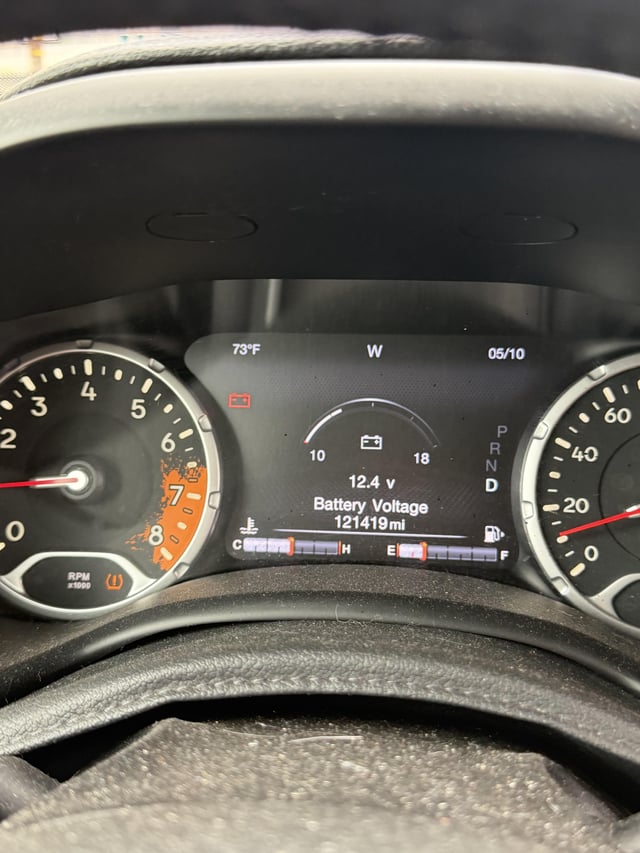
- Battery issues: Low voltage or a weak battery can stop the touch screen from turning on.
Many drivers skip checking the battery, but low voltage is one of the most overlooked causes.
Quick Troubleshooting Steps
Before you visit a mechanic, try these steps. Many Jeep touch screen problems can be solved in minutes.
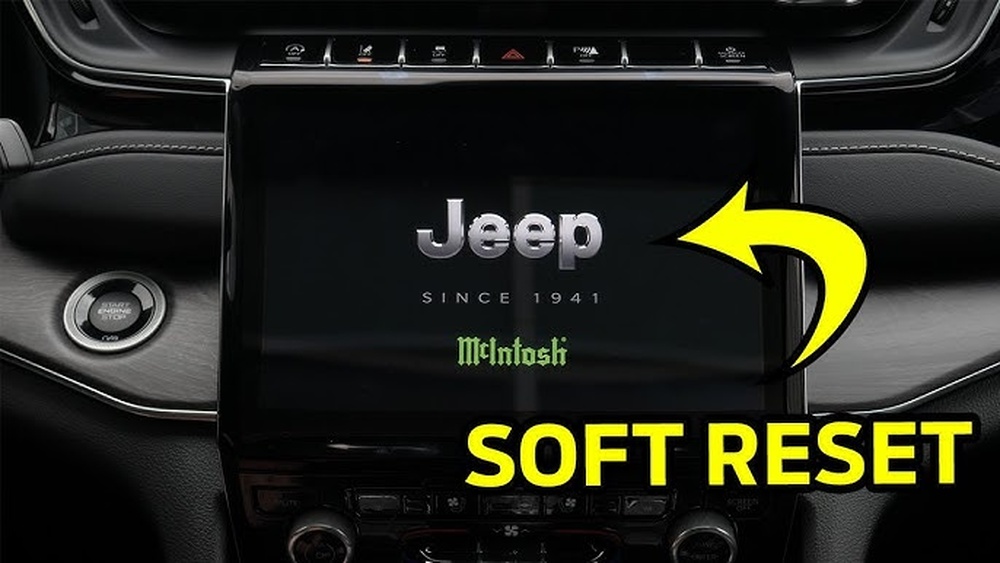
1. Restart The System
Hold the power button for 10-15 seconds. This can reboot the software and clear minor errors.
2. Check For Software Updates
Go to the settings menu if you can. Look for “System Information” or “Software Updates. ” If an update is available, install it with the engine running.
3. Disconnect And Reconnect The Battery
Turn off your Jeep. Open the hood, and disconnect the negative battery terminal for 10 minutes. Reconnect and check the screen. This resets the system.
4. Test For Physical Damage
Look for cracks or water under the screen. If you see moisture or obvious damage, do not try to use the screen. Get professional help.
5. Inspect Fuses
A blown fuse can cut power to the screen. Use your Jeep’s manual to find the right fuse and check if it’s broken.
When To Seek Professional Help
Some problems are best left to experts. If you notice these issues, schedule a visit:
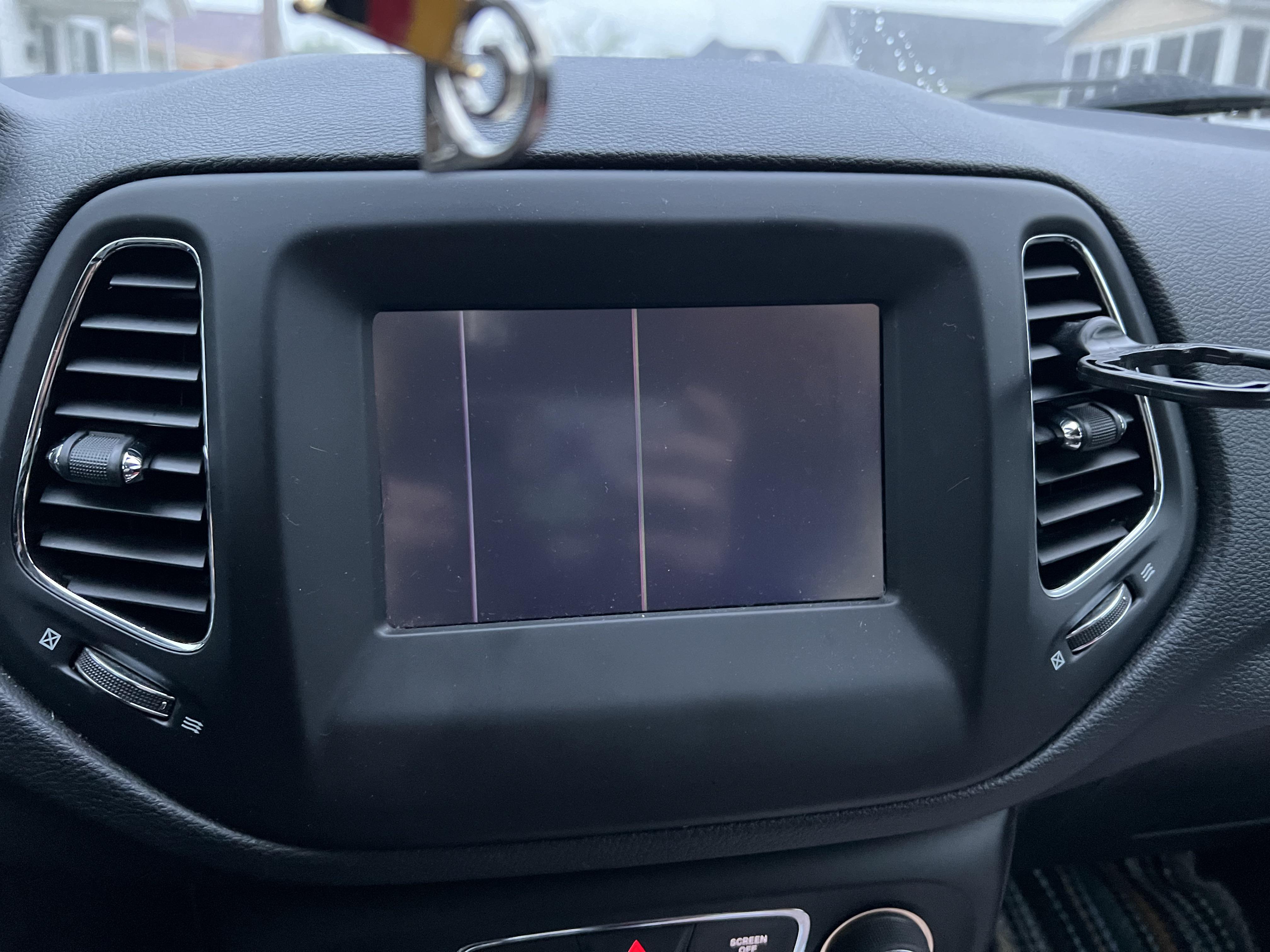
- The screen stays black after a reset.
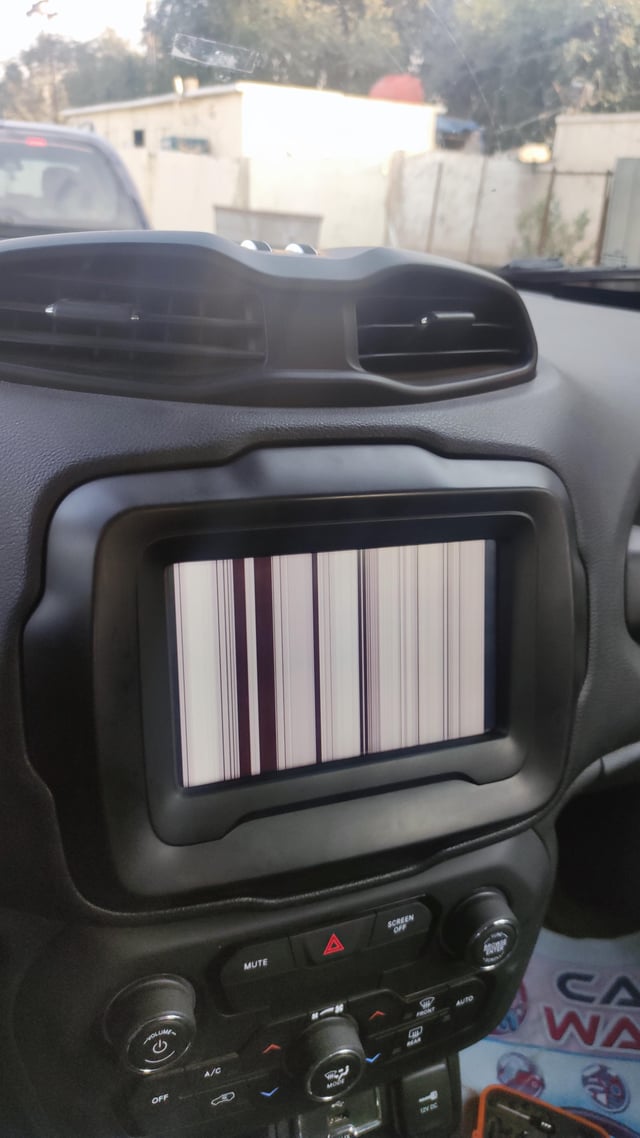
- Touch input works randomly or not at all.
- The system keeps restarting or freezing.
- You see error messages about the Uconnect system.
A professional can test the wires, replace damaged parts, or update the software with special tools.
Comparing Jeep Touch Screen Models
Jeep uses several different touch screens, depending on the model year and trim. Understanding the differences can help when you order parts or talk to your dealer.
| System Name | Screen Size | Main Features |
|---|---|---|
| Uconnect 4 | 7–8.4 inches | Apple CarPlay, Android Auto, basic navigation |
| Uconnect 5 | 8.4–10.1 inches | Faster processor, wireless CarPlay, OTA updates |
| Earlier Models | 5–7 inches | Radio, Bluetooth, basic controls |
Common Mistakes To Avoid
It’s easy to make the problem worse if you rush. Here are some mistakes Jeep owners often make:
- Using sharp tools to press the screen—this can cause permanent damage.
- Trying random wires or fuses without checking the manual.
- Ignoring error messages or warning lights.
- Skipping battery checks—many touch screen issues are power-related.
Repair Costs: What To Expect
Fixing a Jeep touch screen can range from free (if it’s a software issue) to hundreds of dollars. The table below shows typical costs for different problems.
| Problem | DIY Cost | Professional Cost |
|---|---|---|
| Software Reset | $0 | $50–$100 |
| Fuse Replacement | $5–$10 | $50–$80 |
| Screen Replacement | $200–$400 | $400–$1,000 |
| Module Update | N/A | $150–$300 |
Sometimes, insurance or warranty can cover repairs—always check your policy.
Preventing Future Touch Screen Problems
A few small habits can protect your Jeep’s touch screen:
- Keep liquids and food away from the center console.
- Update your system regularly.
- Use only your fingers or a soft stylus on the screen.
- Don’t leave your Jeep in extreme heat or cold for long periods.
- Check your battery health every 6-12 months.
Most drivers overlook regular software updates, which can fix bugs before they cause bigger issues.
When To Upgrade Or Replace
If your Jeep is older or the repair cost is high, upgrading the system might be smarter. Modern touch screens offer better speed, safety, and features. Ask your dealer if your model supports Uconnect 5 or aftermarket systems. Sometimes, a new head unit can add years of life to your vehicle.
For more details on how Uconnect and Jeep touch screens work, visit the official Jeep Uconnect page.

Frequently Asked Questions
Why Does My Jeep Touch Screen Freeze Randomly?
A freezing screen is often caused by software bugs or incomplete updates. Try restarting the system and checking for new updates. If the problem repeats, a deeper reset or professional check is needed.
Can I Replace A Jeep Touch Screen Myself?
If you are comfortable with basic tools and electronics, you can replace some screens at home. However, newer models have complex wiring and may need dealer programming.
Will Disconnecting The Battery Reset My Touch Screen?
Disconnecting the negative battery terminal for 10 minutes can reset the system and clear minor glitches. If the problem returns, there may be a deeper issue.
Is A Touch Screen Problem Covered By Jeep Warranty?
If your Jeep is still under factory warranty (usually 3 years/36,000 miles), most touch screen failures are covered. Check your owner’s manual or call your dealer for details.
How Can I Prevent My Touch Screen From Failing?
Keep the screen clean and dry, avoid using sharp objects, install updates, and check your battery health. These steps can prevent most common issues.
A working touch screen makes driving safer and more enjoyable. With these tips, you can fix minor problems yourself and know when to ask for help. Taking care of your Jeep’s technology saves money, time, and stress on the road.