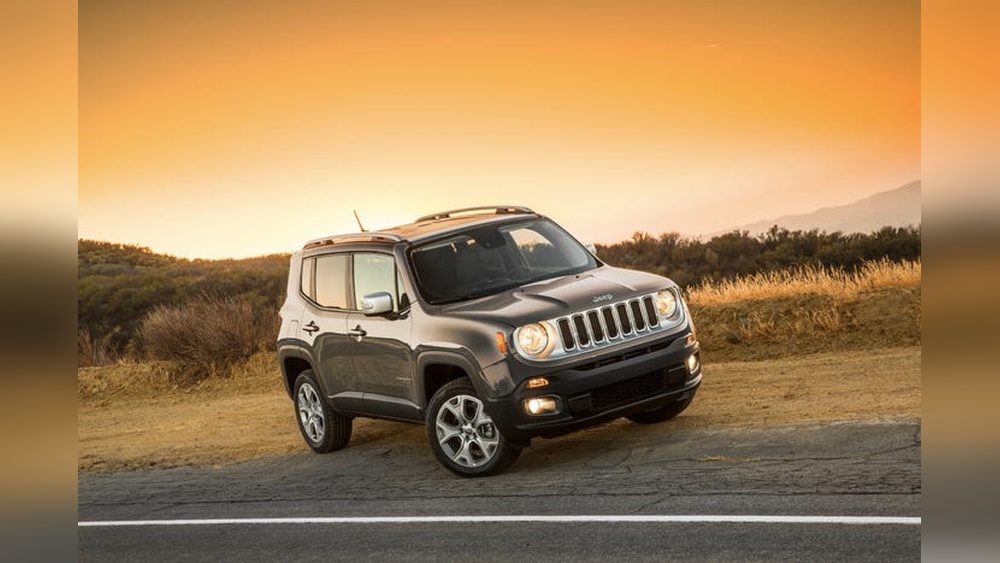
The Jeep app is more than just a tool for Jeep owners; it is a smart companion that connects you to your vehicle, making ownership easier and safer.
Whether you drive a classic Wrangler or a modern Grand Cherokee, this app brings many features to your smartphone.
But how does the Jeep app really work, and what can you expect when you start using it? Let’s dive into the details.
What Is The Jeep App?
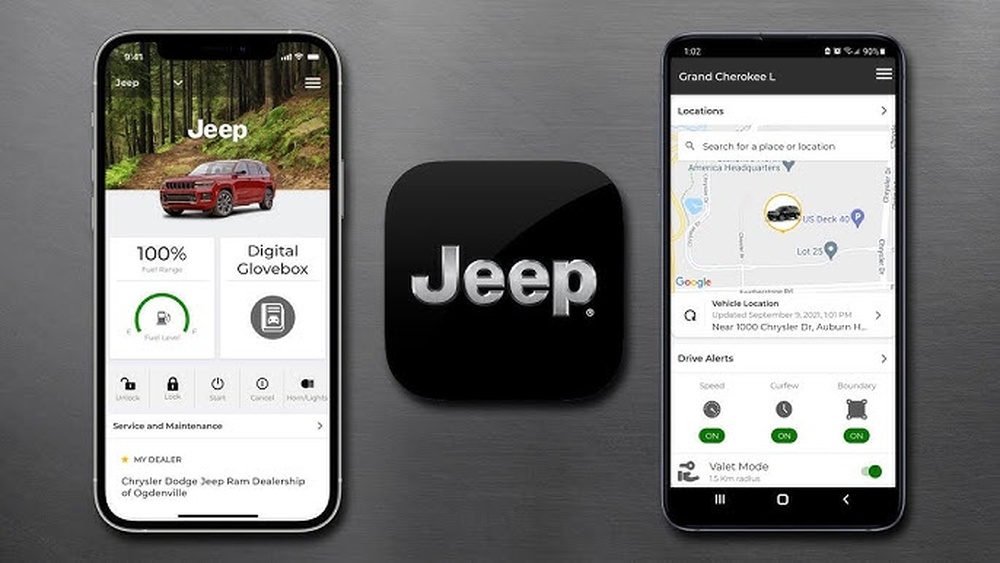
The Jeep app is a mobile application designed for Jeep owners. Available for both iOS and Android, it lets you control and monitor your vehicle from almost anywhere. The app is free to download, but some features require a subscription or specific Jeep models with advanced technology.
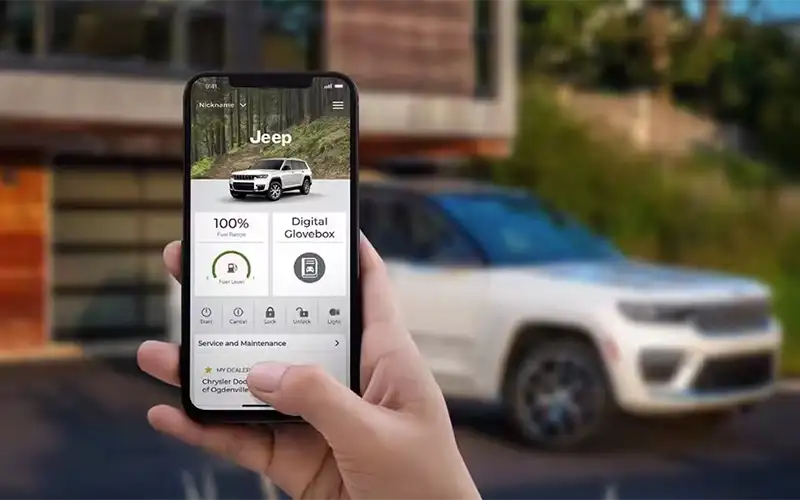
You can use the app for:
- Remote controls (like locking or unlocking doors)
- Checking vehicle health
- Finding your Jeep
- Getting maintenance alerts
- Accessing support and manuals
Setting Up The Jeep App
Getting started is simple, but there are a few steps you must follow:
- Download the app from the App Store or Google Play.
- Create an account using your email and a secure password.
- Register your vehicle by entering the Vehicle Identification Number (VIN). You’ll usually find this on your dashboard or inside the driver’s door.
- Connect to your Jeep. Some features require you to pair your phone with your vehicle using Bluetooth or a Jeep telematics system.
Important: Not all Jeep models support every feature. For example, remote start or vehicle location tracking may only be available on newer vehicles with Uconnect or Jeep Connect systems.
Key Features Explained
The Jeep app is packed with functions, but here are the main ones most owners use:
Remote Commands
Control your Jeep from your phone. Depending on your model and subscription, you can:
- Lock/Unlock doors – Handy if you forget to lock up or need to let someone in.
- Remote start – Warm up or cool down your Jeep before you get in.
- Horn and lights – Find your car in a busy parking lot or scare away intruders.
Vehicle Health And Status
The app keeps you updated on your Jeep’s condition:
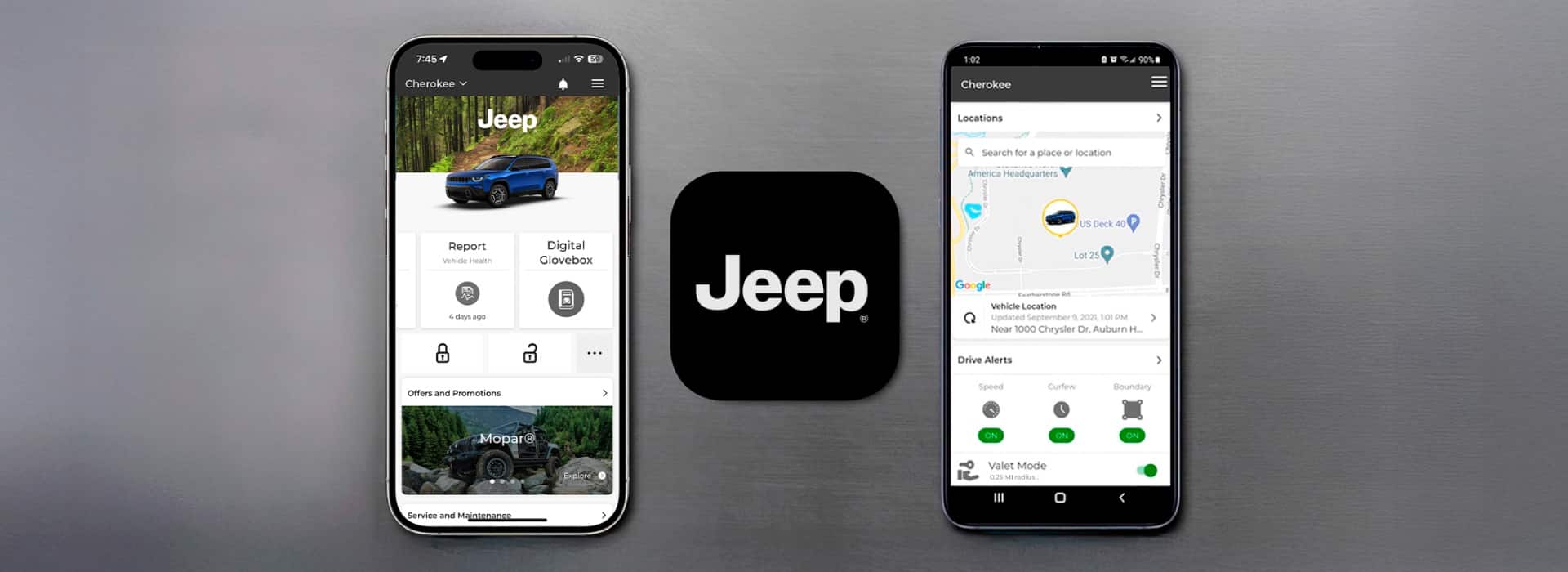
- Check fuel level and tire pressure.
- Get maintenance alerts for oil changes, battery issues, or recalls.
- View mileage and trip history.
Never lose your Jeep again:
- Locate your vehicle on a map.
- Send destinations from your phone to your Jeep’s navigation system.
- Find nearby dealers or service stations.
Service And Support
Get help when you need it:
- Schedule service appointments.
- Access manuals and how-to guides.
- Contact roadside assistance with one tap.
Here’s a quick comparison of what you can do with the Jeep app on different models:
| Feature | All Jeep Models | Uconnect/Jeep Connect Models |
|---|---|---|
| Lock/Unlock | Manual Only | Remote via App |
| Vehicle Health | Basic Info | Full Diagnostics |
| Remote Start | Not Available | Available |
| Location | Not Available | GPS Tracking |
Pros And Cons Of The Jeep App
Like any tech product, the Jeep app has strengths and weaknesses. Here’s a quick look:
| Pros | Cons |
|---|---|
| Convenient remote controls | Some features need a subscription |
| Easy access to vehicle info | Limited compatibility with older Jeeps |
| Helps with maintenance | Can have occasional connection issues |
What Makes The Jeep App Stand Out?
While many car brands offer similar apps, the Jeep app is tailored for Jeep owners who love adventure and reliability. For example, the “Send & Go” feature lets you plan a hiking trip on your phone and send it straight to your Jeep’s navigation.
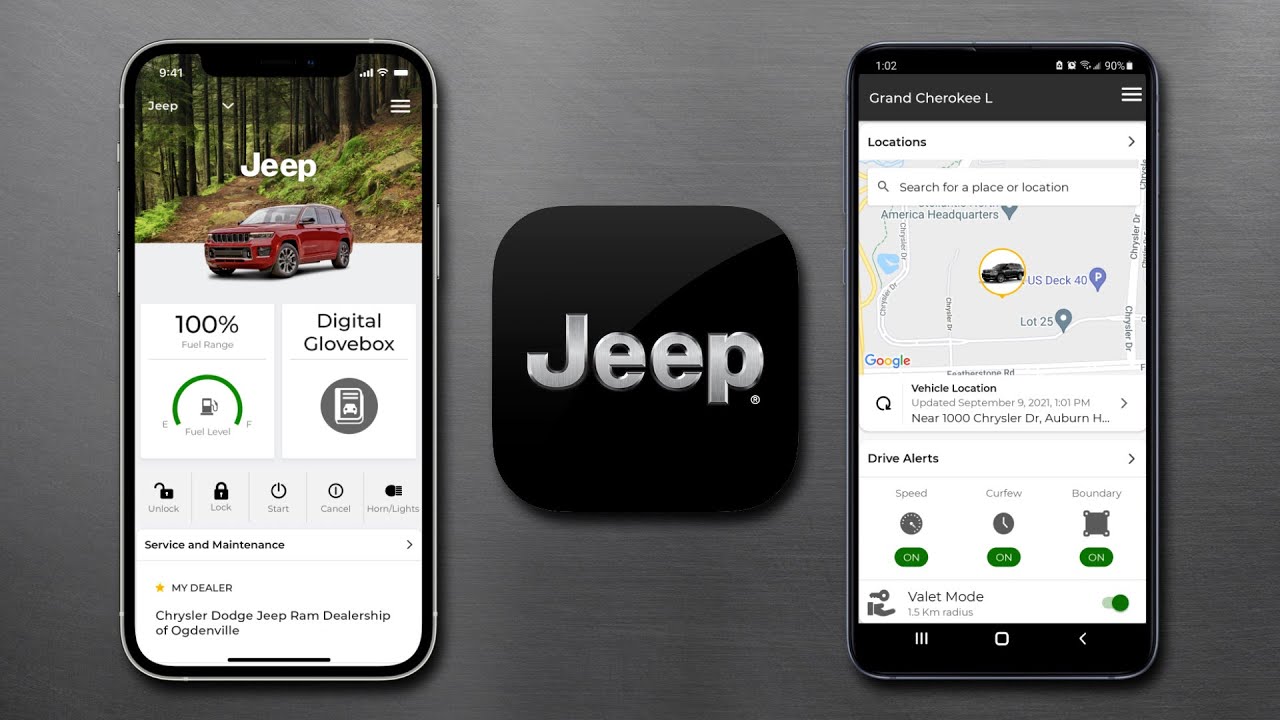
A non-obvious benefit is the ability to get instant recall notices. Many owners miss recall letters in the mail, but the app sends alerts right away. Another overlooked feature is the digital glovebox, where you can store and access your Jeep’s documents anytime.
Common Issues And Solutions
Some new users find the app confusing or run into technical problems. Here are two frequent mistakes:
- Not updating the app: Outdated versions may not work well. Always keep your app updated for the latest features and security.
- Entering the wrong VIN: Double-check your Vehicle Identification Number when registering. Errors here cause connection problems.
If you have trouble, contact Jeep customer support through the app or visit your local dealer for help.
Security And Privacy
Security is a top priority. The Jeep app uses encrypted data to protect your information. Always use a strong password and never share your login details. You can also set up two-factor authentication for extra safety.
Real-world Example
Imagine you are shopping and forget whether you locked your Jeep. With the app, you can check and lock it instantly. If you break down on a road trip, the app lets you call for help and share your exact location with Jeep roadside assistance.
For more details about features and supported models, see the official Jeep Connectivity page.
Frequently Asked Questions
How Do I Download And Install The Jeep App?
Search for “Jeep” in the App Store or Google Play. Download the app, open it, and follow the instructions to create an account and connect your vehicle.
Is The Jeep App Free To Use?
The app is free to download. Basic features are usually free, but advanced functions like remote start or location tracking may require a paid subscription or a newer Jeep model.
Which Jeep Models Support The App?
Most newer Jeeps (from around 2018 and later) with Uconnect or Jeep Connect systems support the app’s main features. Older models may have limited support.
What Should I Do If The App Won’t Connect To My Jeep?
First, check your internet connection and make sure your app is updated. If problems continue, re-enter your VIN or contact Jeep support through the app.
Is My Personal Data Safe With The Jeep App?
Yes, the app uses encrypted connections to keep your data secure. For best safety, use a strong password and enable two-factor authentication.
The Jeep app can make owning a Jeep more convenient, safer, and more connected. As technology improves, expect even more features to appear in future updates. If you want to get the most from your Jeep, the app is worth trying.