The Jeep Renegade is a popular compact SUV, known for its bold design and off-road capabilities. But in today’s world, drivers want more than just a rugged look.
They want smart technology that makes driving easier and more enjoyable. Apple CarPlay is one of the most requested features in modern cars.
Many buyers wonder: does the Jeep Renegade have CarPlay, and what can you expect if you own or plan to buy one? Let’s break down everything you need to know.
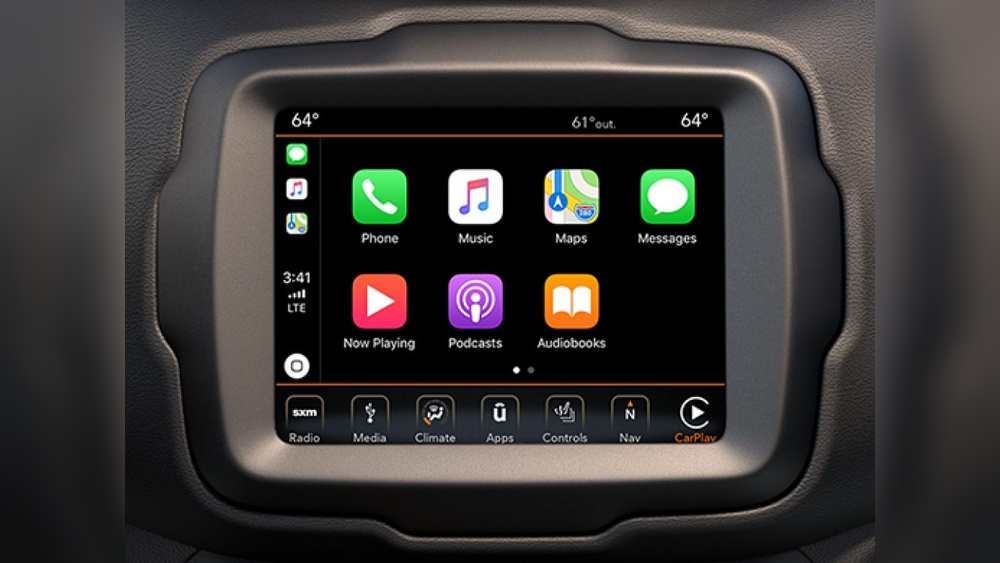
Carplay Availability In Jeep Renegade
Apple CarPlay allows you to connect your iPhone to your car’s infotainment system. This makes it easy to access maps, music, calls, and texts using your car’s screen.
Not all vehicles offer this feature, and sometimes it’s limited to newer models or specific trim levels.
The Jeep Renegade started offering CarPlay in 2018. Earlier models, like those from 2015 to 2017, do not support CarPlay. If you are shopping for a used Renegade, it’s important to check the year and the trim. For new Renegade buyers, CarPlay is standard on most trims.
Here’s a quick look at which models include CarPlay:
| Model Year | CarPlay Availability | Trim Levels |
|---|---|---|
| 2015-2017 | No | All |
| 2018-2024 | Yes | Latitude, Limited, Trailhawk, Sport |
If you own a Renegade from 2018 or later, you most likely have CarPlay built-in. For older models, adding CarPlay requires a new aftermarket stereo.
How Carplay Works In The Jeep Renegade
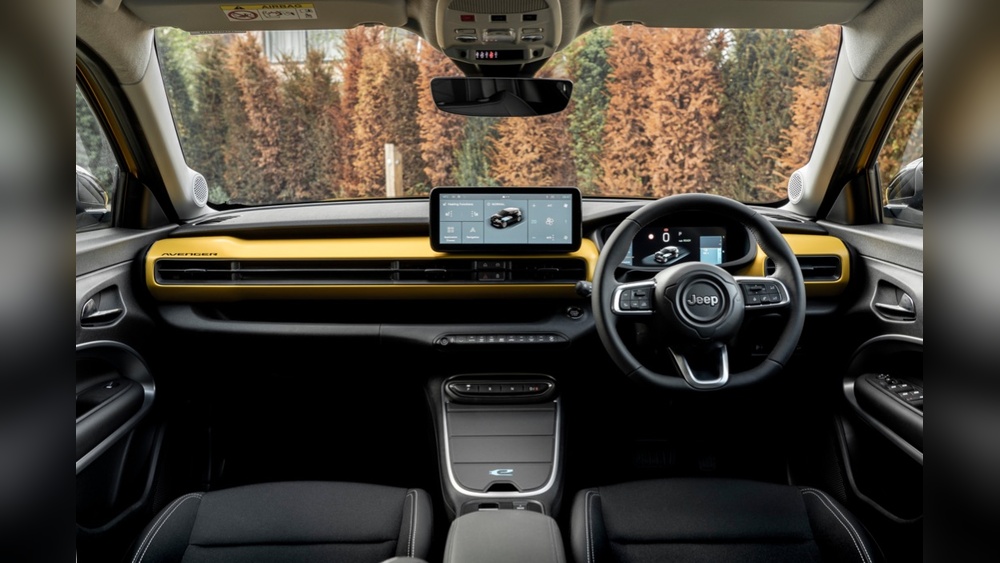
Using CarPlay in a Renegade is simple. You connect your iPhone using a USB cable (wireless CarPlay is not available in most Renegade models). The car’s Uconnect system recognizes the device and displays the CarPlay interface on the touchscreen.
The Renegade’s CarPlay features include:
- Navigation with Apple Maps or Google Maps
- Music streaming from Apple Music, Spotify, or Pandora
- Hands-free calls and texts via Siri voice commands
- Third-party apps like podcasts and audiobooks
Here’s a comparison between the Renegade’s standard infotainment and CarPlay features:
| Feature | Standard Uconnect | Apple CarPlay |
|---|---|---|
| Navigation | Optional, limited apps | Apple Maps, Google Maps, Waze |
| Music | AM/FM, SiriusXM | Apple Music, Spotify, Podcasts |
| Voice Control | Basic commands | Siri voice commands |
| Messaging | No texting | Read/send texts via Siri |
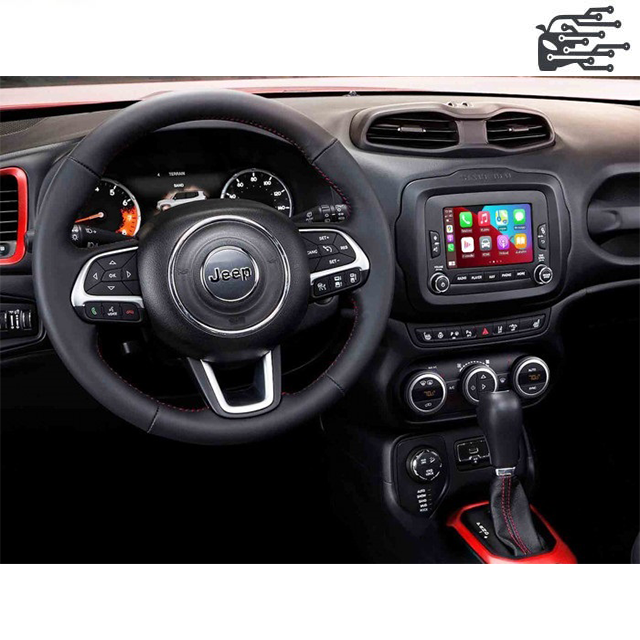
Carplay Setup And Troubleshooting
Setting up CarPlay in your Renegade is quick:
- Start your vehicle and turn on the Uconnect touchscreen.
- Plug your iPhone into the USB port using a certified cable.
- Tap the CarPlay icon on your screen.
- Follow on-screen instructions to allow access.
Some users face issues like CarPlay not connecting or audio cutting out. Here are non-obvious tips:
- Use a genuine Apple cable; cheap cables often cause problems.
- Update your iPhone and Uconnect system for best performance.
- Avoid plugging in multiple devices at once.
If CarPlay does not appear, check your phone’s settings under “General > CarPlay. ” Sometimes the system needs to be paired again.
Pros And Cons Of Carplay In Renegade
CarPlay adds convenience and safety. Still, it’s not perfect in every model.
Pros:
- Easier navigation and music control
- Safer hands-free calling and texting
- Familiar interface for iPhone users
Cons:
- No wireless CarPlay in most Renegades
- Limited screen size compared to larger SUVs
- Some third-party apps might not work perfectly
Let’s see how the Renegade compares to other compact SUVs for CarPlay:
| Vehicle | CarPlay Support | Wireless CarPlay |
|---|---|---|
| Jeep Renegade | Yes (2018+) | No |
| Honda HR-V | Yes (2019+) | Some trims |
| Ford EcoSport | Yes (2018+) | No |
| Mazda CX-3 | Yes (2019+) | No |
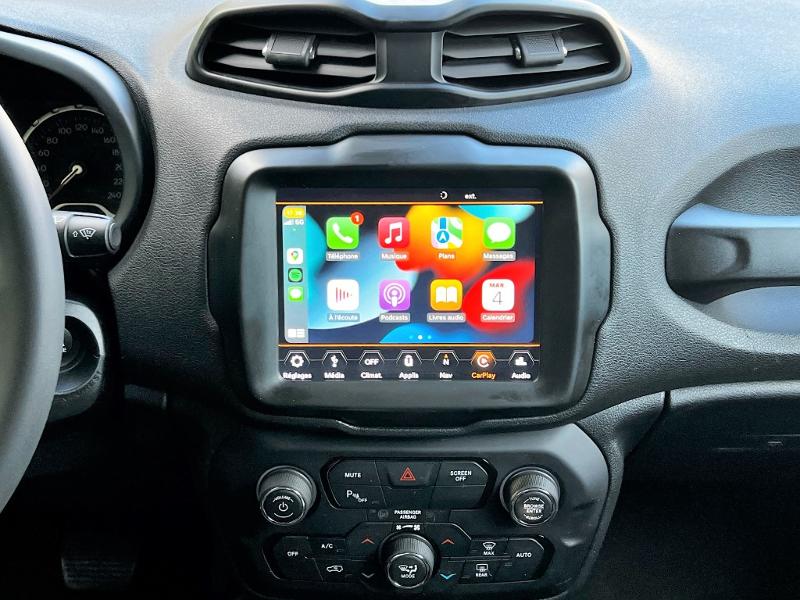
What If Your Renegade Doesn’t Have Carplay?
If your Renegade is older than 2018, you don’t get CarPlay. But you do have options:
- Upgrade the stereo with a CarPlay-compatible unit
- Use phone mounts for navigation and music
- Install apps like Android Auto if you have a compatible phone
Upgrading is not cheap, but it can make your car feel modern. Always check compatibility before buying a new unit.
Real-world Experience And Tips
Many Renegade owners find CarPlay useful for daily driving, especially for navigation and music. However, some beginners miss these insights:
- CarPlay mirrors your phone’s screen, but only approved apps show up. You can’t access every iPhone app.
- Siri is essential for safe texting and calling. Practice using voice commands before driving.
For the best experience, keep your phone charged and update your apps regularly. If you drive in areas with weak signal, download offline maps.
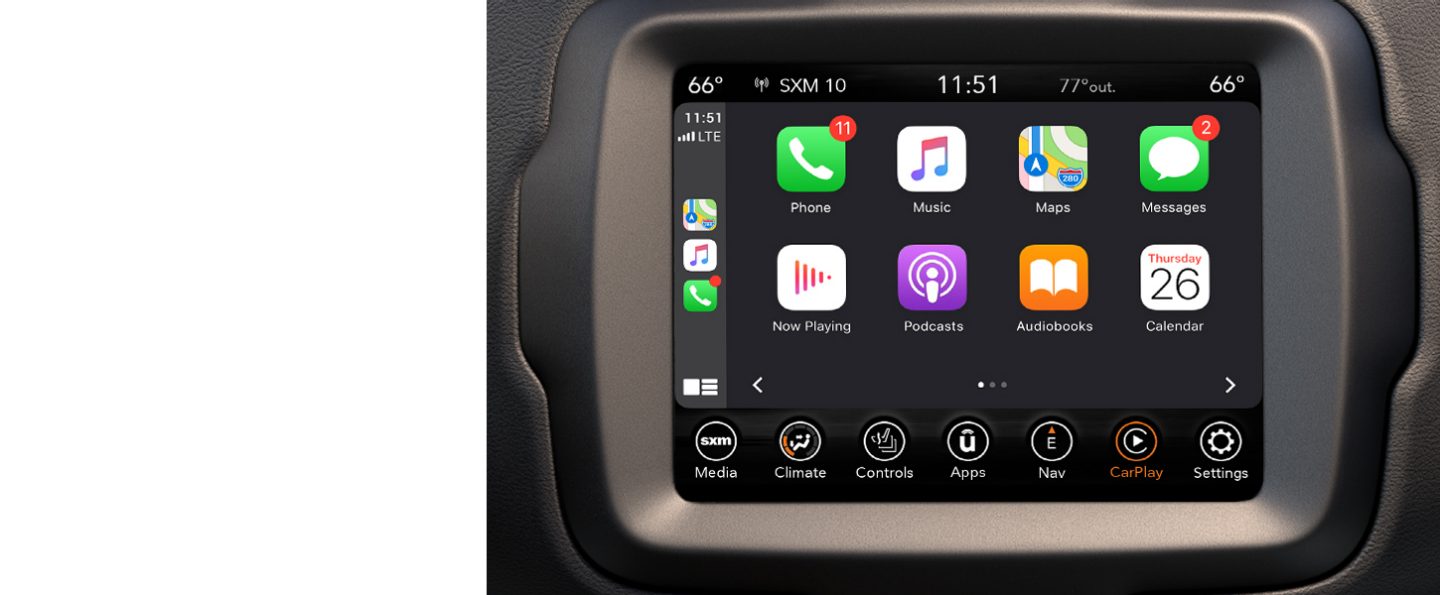
Frequently Asked Questions
Does Every Jeep Renegade Have Carplay?
No. Only Renegade models from 2018 onward include CarPlay. Older models do not have this feature unless you install a new stereo.
Is Carplay Wireless In The Jeep Renegade?
No. The Renegade uses a wired connection for CarPlay. Wireless CarPlay is not available in most models.
Can I Add Carplay To My Older Jeep Renegade?
Yes. You can install an aftermarket stereo that supports CarPlay. Make sure it fits your Renegade and is professionally installed.
What Iphones Work With Carplay In Renegade?
CarPlay works with iPhone 5 and newer, running iOS 7. 1 or higher. For the best results, use the latest iOS version.
Where Can I Find More Information About Jeep Renegade Features?
For official details and the latest updates, visit the Jeep official site.
The Jeep Renegade delivers strong tech features for a compact SUV, especially with CarPlay. If you value easy phone integration, choosing a 2018 or newer model is the best option. CarPlay makes driving safer and more enjoyable, even if you need a cable to connect.
For older Renegades, upgrades are possible, but check compatibility and costs first. With smart setup and a few tips, you can get the most from your Renegade’s infotainment on every drive.